
Coming soon · The BuildPress app
Build faster. Ship safer.
The BuildPress app is the fastest way to build a WordPress site with AI, and the safest way to get it live. Your AI works on a copy of your site on your own computer, not over the internet. When it's done, push it to your host in one click.
Coming to macOS, Windows and Linux
Two promises
That's the whole idea
Everything in the app exists to keep these two.
01
Build faster
Your AI works on a copy of the site on your own computer, not over the internet. It's the fastest way to build WordPress with AI.
- Edits files and runs WP-CLI directly, no round trips
- No limit on what your AI can read back
- Checks the rendered page after every change
- Claude Code or Codex, on your own plan
02
Ship safer
Connect your host, pull the live site down, and work on it locally. When it's ready, push it live in one click.
- A restore point before every pull
- See every file and table before a push
- Production switches over in seconds
- Undo puts it back, just as fast
How it works
The fastest way to build, ship and maintain a WordPress site
One app for the whole job: build with AI, go live in one click, and keep it secure.
Connect your hosting
Add Cloudways with an API key, or any server with SSH. BuildPress sets up its own access, never your master login, and keeps the credentials in your system keychain. Connect once, and every site on that host is a pick away.
Bring your site in, or start fresh
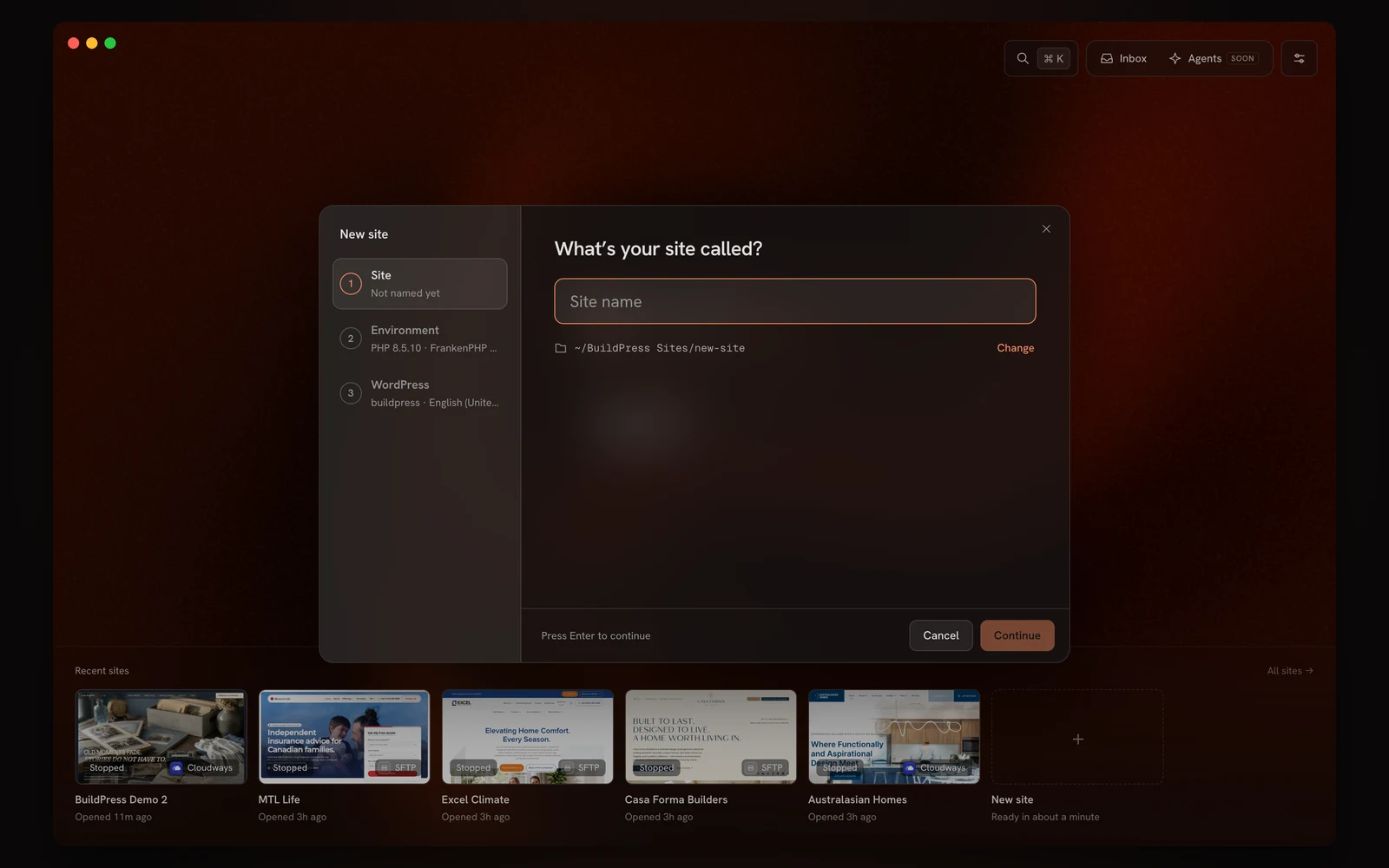
Pick any site on your host and BuildPress creates a local copy of it on your computer, files and database, ready to run. Starting from scratch instead? A fresh WordPress site with PHP and MySQL built in is ready in about a minute.
Build with AI, fast
Claude Code or Codex works right inside the local copy, with the files, WP-CLI and the real page at hand. No round trips to a server, no limits on what it reads. Ask for pages, sections or fixes, and it checks its own work on desktop, tablet and phone.
Keep it secure and up to date
Ask your AI to update plugins and themes, look for security issues and fix what it finds. It all happens on the local copy, so if an update breaks something, it breaks there and not in front of your visitors. Restore points keep every step reversible.
Go live in one click
When your AI says it's done, press Push. BuildPress shows exactly what will change, switches production over in seconds, then clears caches and runs health checks. Look over the live site and click Keep, or Undo to put it back the way it was. Live uploads, wp-config.php and your security settings are never touched.
Why local wins
Your AI was never slow. The connection was.
Over MCP, every action is a trip to a live server and back, with capped replies and no view of the page. The app removes the trip. Same AI, working right inside the site, with your live site safe until you push.
Where your AI works
On the live server, over the internet
On a copy of the site, on your computer
Each change
A request to the server and back
Straight to the files, WP-CLI and database
What it reads back
Responses capped per call
Everything, no size limits
Checking its work
Only what the tools return
The rendered page, console and network
Setup
Paste a URL and an app password
Nothing. Every thread starts connected
Your live site
Changes land in front of visitors
Untouched until you press Push
FAQ
Questions, answered
Early access
Get early access
to the BuildPress app
Join the waitlist and we'll email you as soon as it's ready for you.
Want it sooner? Get BuildPress and you'll get early access first.